In 2024, 37% of medical groups reported that patient no-show rates climbed higher, even as automated reminders became standard practice, according to an MGMA Stat poll in which 63% said rates stayed flat or fell. Sending a text or an email into the void doesn't lock a customer onto your calendar. It just logs a delivery receipt while your slot goes empty.
Learning how to confirm an appointment properly means replacing passive reminders with a single numbered procedure. You need tested two-touch timing, a clean phone script for exceptions, and exactly one recorded status per booking. When a customer stays silent, that silence should trigger targeted triage rather than automatic cancellation or five panicked follow-up messages.
How to Confirm an Appointment Step by Step
A landline typed into the mobile field, a missing time zone, a customer never asked how they want to be reached. These intake errors sink bookings before any reminder goes out, and no clever messaging fixes them later. Run every booking through the same seven-step sequence so nothing slips between the desk and the calendar.
The Seven-Step Confirmation Procedure
- Capture four mandatory details at booking. Record a mobile number, an email address, the customer's preferred channel, and their local time zone. If your team books clients across regions or handles remote consultations, missing the time zone guarantees confusion later.
- Send the booking confirmation the same day. Include the customer's name, service, provider, date, local time, physical address or meeting link, duration, reschedule and cancel instructions, and a clear reply option. Reviewing how reservation confirmation emails work is useful here if you want a clear model for packing booking details and change links into that initial message without cluttering it.
- Schedule two timed reminders. Send your first reminder three days out and a short final reminder one day before the visit. A 2018 randomized trial of 54,066 patients indexed on PubMed found that combining 3-day and 1-day reminders cut missed appointments to 4.4%, compared with 5.8% for a 3-day reminder alone and 5.3% for a 1-day reminder alone (P < .001). Among high-risk patients, the gap widened further: 20.5% missed with two reminders versus 25.0% with only the 3-day notice and 24.2% with only the 1-day notice, with no drop in visit satisfaction.
| Touchpoint | Timing | What it contains | Outcome to record |
|---|---|---|---|
| Booking confirmation | Immediately after booking | Service, provider, date, local time, location or link, duration, reschedule and cancel instructions, reply code | Sent, awaiting reply |
| First reminder | 3 days before the appointment | Date, time, and a reply option to confirm, reschedule or cancel | Confirmed, changed or no response |
| Final reminder | 1 day before the appointment | Short message with the time and a one-word reply | Confirmed, cancelled, rescheduled or no response |
| Human follow-up | Before the appointment, for unresolved or high-risk bookings | Phone call to confirm, rearrange or release the slot | Confirmed, unreachable or slot released |
- Compress the sequence for short lead times. When someone books inside three days of the appointment, merge the booking confirmation and the first reminder into one message sent straight away, then send the final reminder the day before. For same-day bookings, send a single confirmation with a quick reply option so you don't spam someone who just hung up the phone.
- Use explicit reply codes and assign one status. Give customers a tight response grammar, such as "Reply 1 to confirm, 2 to reschedule, 3 to cancel." Every booking gets exactly one live status in your schedule: confirmed, rescheduled, cancelled, unreachable, or no response. One status per booking is the discipline that makes the whole system auditable. When two staff members can mark the same slot differently, your Friday numbers stop meaning anything.
- Route exceptions to a person the same working day. Any garbled text, bounced email, or disconnected phone number lands in a daily human queue. A team member clarifies the booking or releases the slot before close of business. Silence gets the same treatment: a customer who never replies to either reminder is a triage case, not a cancellation and not a reason to fire off five more messages.
- Audit your numbers every week. Pull denominator-based metrics rather than celebrating how many messages left your server.
Desk rule: A delivered text only tells you the message arrived. The slot stays unconfirmed until the customer replies or finishes a call with your team.
Reading Your Weekly Numbers
Every Friday, check your delivery rate, response rate, confirmed rate, cancellation rate, rescheduling rate, unreachable rate, and attended rate. Break them down by channel and booking lead time. That breakdown tells you where the procedure leaks: a weak delivery rate points at intake data quality, a weak response rate points at message timing or wording, and a gap between confirmed and attended rates points at customers who confirm out of politeness with no real intention to show.
Timing tests matter because single-touch intervals rarely behave the way people assume. In a review of appointment reminder research published on PMC, single reminders sent one day versus one week ahead showed no meaningful difference, randomized trials found no significant gap across 24-, 48-, and 72-plus-hour SMS intervals, and one cited outpatient study recorded 17.3% no-shows with automated reminders and 23.1% with no reminder, while staff calls beat both at 13.6%. I read that as a staffing decision, not a technology verdict. Automation clears volume at almost no marginal cost, so let it carry routine confirmations. Human judgment still wins the tricky conversations, so spend your phone time on high-value slots and unresolved bookings where a two-minute call saves revenue a text cannot.
Before you close a booking record, make sure it holds seven fields: contact details, channel used, message sent, exact reply, current status, next action, and the named owner responsible for that action. Without an owner, follow-ups stall every single week.
Choosing Text, Call or Email for Confirmations
Default to text messaging for routine confirmations, reserve phone calls for high-value slots, silent bookings, and messy changes, and use email when customers need attachments, forms, or driving directions. That split keeps your team off the phone for easy yeses while protecting the revenue that hurts when a slot sits empty. It also gives every booking one clear path, so a customer who stays silent moves into triage rather than automatic cancellation or another round of messages.
Controlled trials back up both text and voice when they are run properly. In a randomized trial at an internal-medicine outpatient clinic in Saudi Arabia published in the Eastern Mediterranean Health Journal, patients receiving SMS reminders had a 26.3% non-attendance rate versus 39.8% with no reminder, making SMS recipients 44% less likely to miss their visit (odds ratio 0.56, 95% CI 0.38 to 0.82, P = .001). An urban family-practice telephone trial cited by that paper found that calling patients a day ahead lowered no-shows to 19%, compared with 26% for patients who were not called (P = .0065). The practical reading is simple: text is strong for reach, and a planned call is strong for the cases where a short conversation prevents a loss.
The operational trade-off shows up in the work your team has to do after the message goes out. SMS scales easily and gives you a clean reply to log, while a live call lets you answer a quick question about parking, preparation, or billing before it turns into a cancellation. Email earns its place when the customer needs something they can keep, such as forms, directions, or preparation notes. When online intake captures both a mobile number and an email right as patients schedule your Liverpool dental visit or book a service slot, run the two-way check-in by text and send the detailed confirmation by email.
| Channel | Works best for | Main risk | What to record |
|---|---|---|---|
| Text message | Most customers, quick two-way replies | Missed by customers who struggle with written English, or read on a shared phone | Reply code and delivery status |
| Automated voice call | Customers who rarely read texts, and high-volume reminders | Voicemail, and an unclear opt-out if the AI is not disclosed | Answered, voicemail left or key pressed |
| Staff phone call | Complex changes, exceptions and high-value bookings | Takes staff time and does not scale | Outcome and next call date |
| Detailed information such as forms, directions or preparation | Often unread close to the appointment | Opened or not, and any reply received | |
| Customer portal | Customers who already log in to your system | Needs an account before it works | Login and action taken |
Use the table as a routing guide, not as five equal options. Every channel has a blind spot you have to plan around. Texts get buried on busy phones or glanced at by family members on shared devices. Automated calls hit voicemail boxes, live staff calls chew through payroll hours, and emails sit unopened in promotional tabs the morning of the visit. A customer portal only works when the customer already has a reason to log in.
Pick one default channel for most of your calendar and one clear exception route for the bookings you can't afford to lose. Blasting every customer across all five channels trains them to ignore you.
Write down your business's default channel and its single escalation trigger today. If you run a salon, that might mean SMS for haircuts and a phone call for three-hour colour bookings. If you run a trades business, SMS handles routine quotes while a quick call confirms full-day installations. Keep the rule visible to whoever owns the calendar, because the channel choice only works when the status is logged the same way every time.
What to Say When You Call to Confirm
A clumsy confirmation call wastes two minutes and puts customers on the defensive. Worse, spilling appointment details before you know who picked up the phone creates an immediate privacy breach. Keep every confirmation call tight, predictable, and easy to log.
The Four-Part Live Call Script
- Open with identity and permission. Say your business name, your first name, and that you're calling about an appointment, then ask if now is a good time. Don't read dates or service types into a phone that a spouse, coworker, or teenager might have answered.
- Verify who is on the line. Ask for the booking name before mentioning any service details. If they're driving or in a meeting, offer to ring a better number or call back at a specific hour.
- State the facts and ask for a clear decision. Read out the date, local time, location or meeting link, and expected duration. Ask them to confirm in their own words, move to one of two open times you already have pulled up on your calendar, or cancel so you can free the slot.
- Log the outcome immediately. Record the status before your fingers touch the dial pad for the next customer. Waiting until the end of your call block is how reschedules vanish and double-bookings happen.
Hi, this is Jordan calling from Westside Auto Service about an upcoming appointment. Is now a quick moment to talk? Great, could I confirm the name on the booking before I share the details?
Voicemail, Callbacks, and Automated Compliance
When a call rolls to voicemail, keep the message bare. Leave your business name, your first name, the appointment day with zero clinical or sensitive detail, and your callback number. Dial once only, log the attempt, and stop chasing until your next scheduled step.
If someone answers but can't check their diary on the spot, don't settle for a vague promise to ring back later. Agree on an exact callback time, save it to their record, and put an owner on it.
Running outbound reminder calls at scale brings strict compliance rules you can't treat as an afterthought. Under the Federal Trade Commission's Telemarketing Sales Rule, telemarketing calls to a residence are generally prohibited before 8:00 a.m. or after 9:00 p.m. in the recipient's local time zone unless they previously consented to other hours. Store every contact's time zone so your dialler automatically enforces local calling windows.
The FTC's consumer guidance on robocalls distinguishes purely informational appointment reminders from telemarketing robocalls, which generally require prior written permission. Whenever you run automated voice campaigns, disclose the AI right at the start of the call, explain how to opt out by voice or keypress, write opt-outs straight to a suppression list, and keep reminder campaigns strictly separated from promotional win-back or reactivation lists. You can structure both the opening disclosure and branch logic cleanly by starting from proven AI call script templates built for live phone conversations.
Handling Customers Who Do Not Confirm
Plenty of booking software ships with a default rule that cancels any unconfirmed slot at midnight. The customer never sees the cancellation, shows up the next morning, and your front desk absorbs the angry call. The opposite failure looks just as bad: a coordinator panics at a missing reply and sends four repetitive reminders to someone who was in a meeting.
A missing reply is a risk signal you can use to prioritise staff time. A review of appointment reminders and attendance published on PMC found that studied reminder intervals stretched from two hours to two weeks before the visit with most landing between one and three days, and the dental no-show review it highlights identified missed confirmation messages, prior no-shows, appointment timing, and long booking lead times as key predictors of missed visits.
Read those predictors as a triage filter. A loyal client who booked yesterday and forgot to text back carries far less risk than a first-time caller who booked six weeks ago and went silent. Your workflow should reflect that difference instead of treating every unconfirmed slot identically.
| Customer response | Status to record | Next action |
|---|---|---|
| Confirms by reply code | Confirmed | Keep the slot; no more contact unless the booking is high-risk |
| Asks to move | Rescheduling requested | Offer two open times from the calendar, book the chosen one and update the record |
| Cancels | Cancelled | Release the slot and offer it to a waitlist |
| Unclear reply | Needs review | A person reads it and confirms within the same working day |
| No reply after final reminder | No response | One staff call; if unanswered, follow your hold-or-release policy |
| Failed delivery or failed call | Unreachable | Try one alternative channel, then flag for a person |
Every booking carries exactly one status at a time. When the answer changes, the status changes with it, so nobody has to scroll a message thread to learn where the slot stands.
Working Through Every Response Path
When a customer confirms with your reply code, leave them alone. Sending extra check-ins to someone who already said yes adds noise and trains them to mute your number. Only high-risk or multi-hour bookings warrant a brief day-of courtesy check.
Reschedule requests fall apart when you ask open-ended questions like When works for you? Pull two concrete slots straight from your live calendar, offer both, lock in the one they pick, and update the record immediately. Cancellations work best when you pair them with a short waitlist, so releasing one slot fills another within the hour.
Unclear replies like running late maybe or can my husband come instead? break automated workflows. Route those straight to a human inbox and answer them the same working day.
If a customer hasn't replied after the final reminder, make one targeted phone call instead of firing another automated text. A second text to someone ignoring texts almost never changes their behaviour.
For the no-response row, run a fixed two-touch sequence rather than improvising:
- Send the final written reminder inside your standard one-to-three-day window.
- Place one staff call to every booking still marked no response, starting with high-value appointments and customers with past no-shows earlier in the week.
- On the call, state the date and time, ask directly whether they still plan to come, and offer two alternative slots if they hesitate.
- If the call goes unanswered, mark the record unreachable and apply your written hold-or-release policy instead of guessing on the spot.
Timing that follow-up call smartly lifts your pickup rate, so check your answer logs and match your dial window to the best time to call customers in your industry. Keep the script short and written down, because a staff member reading the same three questions on every call produces records you can compare week to week.
Before you roll this process out, write down every response, its single status, and its exact next action on one shared page for your whole team. Ambiguity at the front desk is what turns recoverable no-replies into empty rooms.
Language, Privacy and Access Needs
Standard confirmation templates assume every customer reads fluent English, owns a private smartphone, and checks texts all day. That assumption shuts out a huge slice of real buyers and patients.
Research among women with limited English proficiency indexed on PubMed found that more than half either didn't receive their appointment reminder or had trouble understanding it, while 91% preferred reminders in their primary language. The same paper notes that reminder preferences shift across age groups, that shared or lost phones create genuine privacy risks, and that patients tend to favour text reminders sent less than three days ahead with a simple way to cancel or modify the visit.
Six practical adjustments cover almost every edge case, and none of them require rebuilding your tech stack:
- Ask for preferred channel and language at booking. Store both answers directly on the customer profile so staff and automations stop guessing. Someone who speaks Spanish at home shouldn't receive dense English paragraphs three times a week. Treat these two fields the same way you treat the booking status itself: one recorded answer per customer, visible to anyone who touches the record.
- Keep written reminders under twenty words per sentence. Short, plain sentences cut misunderstandings for non-native speakers, older adults, and busy people glancing at a lock screen between jobs. Build translated templates for the top languages your customers speak.
- Strip sensitive details from message previews. Set your text and email openings to a neutral line like Appointment update rather than naming a clinic specialty, legal matter, or financial review. Understanding why patient confidentiality matters makes it obvious why a single lock-screen preview on a shared family phone can destroy trust overnight.
- Switch to voice when text falls short. Older customers, callers with visual impairments, and anyone who struggles with written messages often respond far better to a clear spoken call. If your business serves diverse communities, multilingual AI calling lets you run spoken confirmations in a caller's primary language without hiring bilingual staff for every shift.
- Verify identity before speaking details on shared lines. Whether a human or an automated voice system places the call, confirm the booking name first before naming the provider or location. A wrong guess here is a privacy breach, not a minor slip.
- Always pair short-notice reminders with an instant change option. Give people an effortless way to confirm, cancel, or reschedule inside that sub-three-day window so they tell you early instead of ghosting out of embarrassment. A one-word reply option beats a phone number they have to work up the nerve to call.
Accessibility belongs at the start of your workflow, not the end. If a customer can't read your reminder or feels unsafe opening it, your confirmation rate drops for a problem you created.
The same triage logic applies here as anywhere else in the procedure. A customer whose replies keep failing delivery or arriving in broken English isn't a silent customer to cancel on. That record gets flagged for a channel or language change, and a human makes one adjustment before the next touch goes out.
Add two fields to your booking form this week: Preferred confirmation channel and Preferred language. Those two drop-downs eliminate half the failed deliveries teams blame on flaky customers.
Decide Your Confirmation Process This Week
Reading about cleaner workflows won't fill Tuesday's calendar. Put the numbered procedure into service on a small set of real bookings, then scale it once the status log stays clean. Use a two-touch timing pattern, one phone script, and one status per booking. Silence should trigger triage, not automatic cancellation or another round of messages.
Before changing anything, review your recent booking log so you know what you're fixing.
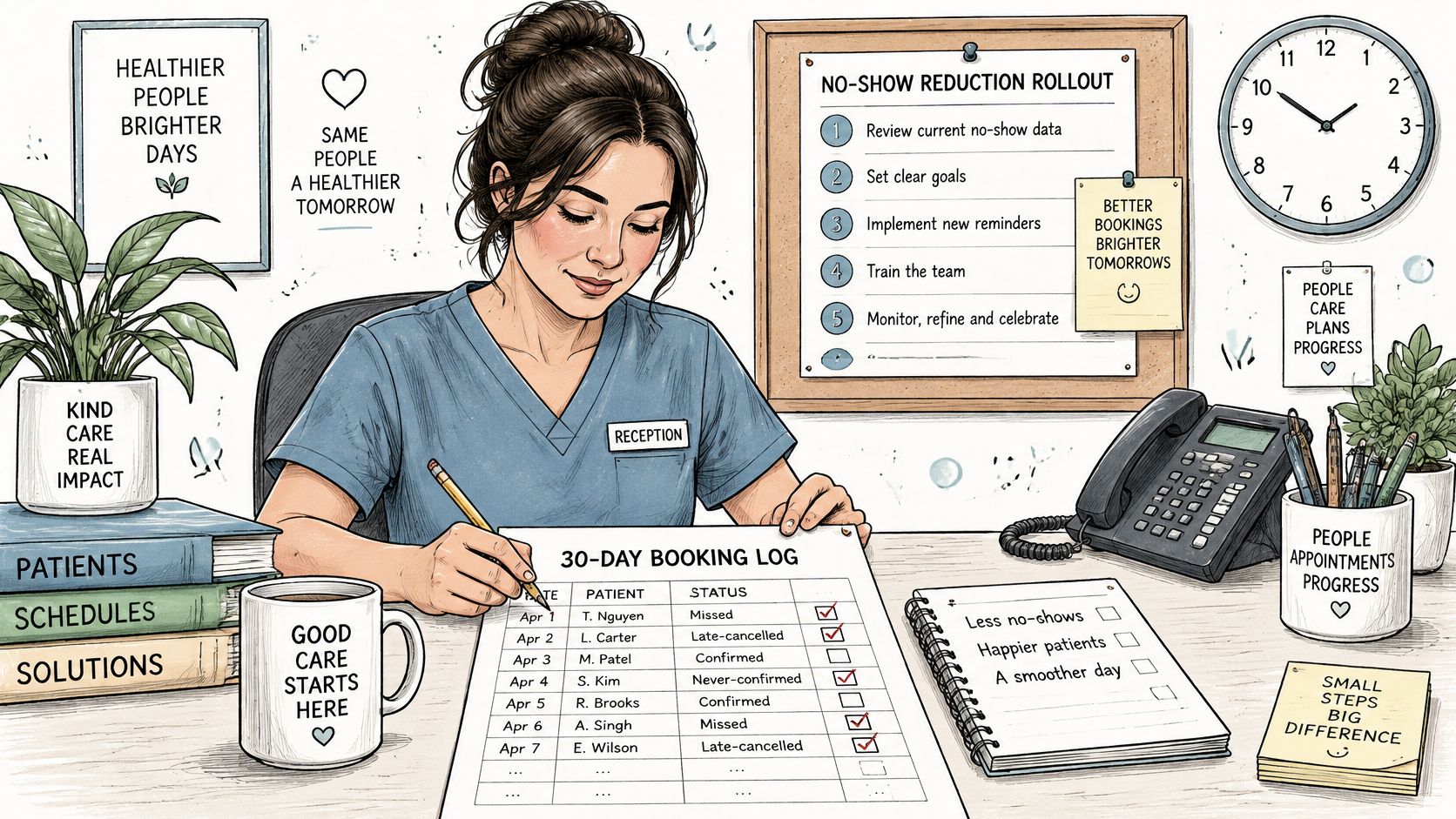
Use this week's checklist to apply the procedure already set out earlier:
- Baseline the problem. Use your recent booking log to count missed appointments, late cancellations, and unconfirmed bookings.
- Activate the two touches. Start with the tested timing from the procedure and keep both touches tied to the same booking record.
- Assign the channels. Send standard confirmations by text and route high-value or silent slots to a voice call.
- Run one status per booking. Keep the reply codes and status names visible to the person clearing exceptions.
- Pilot on five real bookings. Compare confirmed and no-show results with your baseline before widening the rollout.
Automating Calls Without Subscription Lock-In
If your team lacks spare hours to chase unconfirmed bookings, Dial Milo can handle part of the workflow. The AI receptionist can answer your business line in your voice and style, book appointments into Google Calendar during the call, and text the caller a confirmation. It can also transfer calls to a human when needed. The full setup takes about 5 minutes: create an account, pick a number, paste in your business details, and hear Milo answer a live test call. A receptionist can be live in about 3 minutes. You can also hear a free 60-second browser demo before going live.
For outbound work, Dial Milo can run reminder and follow-up campaigns, send SMS, take messages, capture leads, and query a knowledge base the business provides. Calls are logged with the caller's number, duration, timestamp, and outcome, including transfer, message taken, or appointment booked. That record matters because a confirmation process only works when the team can see which bookings were confirmed, which replies were unclear, and which callers still need a human decision.
Dial Milo uses prepaid, usage-based billing, so the pilot should be judged on the operational result first: fewer open slots lost to unanswered texts, fewer days spent playing phone tag, and a clearer queue of customers who still need attention. Dial Milo pricing is available for account-specific billing details.
Keep every outbound campaign compliant from day one: only call people who agreed to hear from your business, disclose the AI clearly, honour every opt-out immediately, and stay inside each contact's local calling hours. That discipline protects the workflow from becoming a source of complaints, especially when automated reminders are running without a front-desk listener on every line.
Ready to stop losing open slots to unanswered texts and endless phone tag? Dial Milo answers inbound calls around the clock, books appointments into Google Calendar, texts callers a confirmation, and records each call outcome. Try the 60-second browser demo, then put the five-booking pilot to work at Dial Milo.
Keep reading
8 Text Message Appointment Confirmation Examples for 2026
Eight text message appointment confirmation examples, the details to include in each, and tips for clear messages that cut no-shows.
Read
Automated Lead Qualification: How It Works in Practice
Learn how automated lead qualification works, including the signals it scores, the step-by-step workflow, speed-to-lead metrics and consent rules for calls.
Read
7 Lead Generation for Real Estate Strategies for 2026
Seven practical Lead Generation for Real Estate strategies: fast enquiry follow-up, consent-based calls, open-house callbacks and viewing reminders.
Read