Guides for picking and running an AI receptionist.
Clear, well-researched guides on AI receptionists, virtual receptionists, and answering services — pricing, after-hours, appointment booking, and the choices that matter for a small business.
Latest
 Guide
GuideCompare
AI receptionist comparison: 6 services compared
Smith.ai, Rosie, Goodcall, Ruby, Dialzara and Dial Milo on pricing model, real cost at 60 calls a month, languages and human fallback. Prices verified.

Compare
Dial Milo vs. Dialzara: minutes, top-ups, real cost
Dialzara bundles prepaid minutes from $29 a month and stops answering at zero. Dial Milo bills per second with no plan. Verified pricing and cost math.
Compare
Dial Milo vs. Goodcall: per caller or per second
Goodcall meters unique callers at $79 a month with unlimited minutes. Dial Milo bills per second. Verified pricing, the crossover point, and who each fits.
All guides
Compare
Dial Milo vs. Rosie: minutes, rounding, real cost
Rosie bundles minutes and rounds every call up to 60 seconds. Dial Milo bills per second. Verified pricing, cost math, and where Rosie genuinely wins.
Compare
Dial Milo vs. Ruby Receptionists: cost, coverage
Ruby answers every call with a trained human from $250 a month. Dial Milo bills per second. Verified pricing, real cost math, and when Ruby is worth it.

Compare
Dial Milo vs. Smith.ai: pricing, coverage and fit
Smith.ai bills per call and has a genuinely free AI tier. Dial Milo bills per second with no plan. Verified pricing, cost math, and where Smith.ai wins.

Answering Service
Affordable answering service: the honest math
What an affordable answering service really costs: a receptionist at $3,000+ a month, plans from $250 with minimums, or ~6¢ a minute with a $1 trial.

Compare
Answering service alternatives compared
Smith.ai, Ruby, GoodCall, and human services compared by pricing model: per-call, per-minute blocks, flat monthly, and pay-as-you-go AI at ~6¢/min.
Answering Service
Answering service appointment scheduling
How an answering service with appointment scheduling writes bookings to your real calendar, avoids double-booking, and beats a callback message every time.
Answering Service
Answering service per call pricing explained
Per call pricing looks like the simplest answering service model. Here is the math most buyers miss, including the same month priced three ways.

Answering Service
Answering service pricing compared
Per-minute, per-call, subscription, or pay-as-you-go AI: the four pricing models compared, three worked months, and the fees outside the headline rate.
Answering Service
Appliance repair answering service for shops
How an appliance repair answering service captures brand, model and symptom while you're inside someone's kitchen — about 6¢ per answered minute.

Answering Service
Chiropractic answering service for small clinics
How a chiropractic answering service books the new-patient call you miss mid-adjustment: a first visit on the calendar for about 6¢ a minute, no $250 minimum.
Answering Service
Construction answering service for bid calls
How a construction answering service captures bid calls from a noisy job site: project type, timeline and budget taken properly, at ~6¢ per answered minute.

Answering Service
Contractor answering service for solo GCs
How a contractor answering service covers the GC who is the whole office: estimate requests booked live, change-order calls routed, at roughly 6¢ a minute.

Answering Service
Dental answering service for busy practices
How a dental answering service catches new-patient calls while everyone's chairside, triages a knocked-out tooth, and costs about 6¢ per answered minute.

Answering Service
Ecommerce answering service for order calls
How an ecommerce answering service handles 'where's my order': details captured, answers from your policies, texts with links — about 6¢ a minute.

Answering Service
Electrician answering service for emergencies
How an electrician answering service triages the burning-smell call at 9pm, books panel-upgrade and EV-charger quotes, and costs cents per answered call.

Answering Service
Emergency call answering service for 2am calls
How an emergency call answering service handles the 2am call: urgency recognised from plain speech, on-call alerted in seconds, for about 6¢ a minute.

Answering Service
Garage door answering service for same-day calls
How a garage door answering service catches the 7am trapped-car call and the stuck-open door at night, for roughly 6¢ per answered minute.

Answering Service
HVAC after-hours answering service for nights
How an HVAC after-hours answering service wins the emergency call: no-heat triage at midnight, on-call alerted in seconds — about 6¢ a minute.
Answering Service
Landscaping answering service for route days
How a landscaping answering service covers route days and the spring quote surge: books weekly contracts and commercial bids for cents per answered call.

Answering Service
Locksmith answering service for lockouts
Lockouts are speed-to-answer races. How a locksmith answering service picks up first, captures lock type and car make, filters spam, and bills per minute.

Answering Service
Medical answering service for small practices
How a medical answering service handles front-desk overflow, after-hours patient calls, and reschedules — and the line it should never cross.

Answering Service
Moving company answering service for quotes
How a moving company answering service books the estimate while your crew carries sofas: move size, addresses, stairs, dates — about 6¢ a minute.

Answering Service
Painter answering service: win the quote
How a painter answering service captures quote requests while you're on a ladder, books estimates into your calendar, and costs cents per answered call.
Answering Service
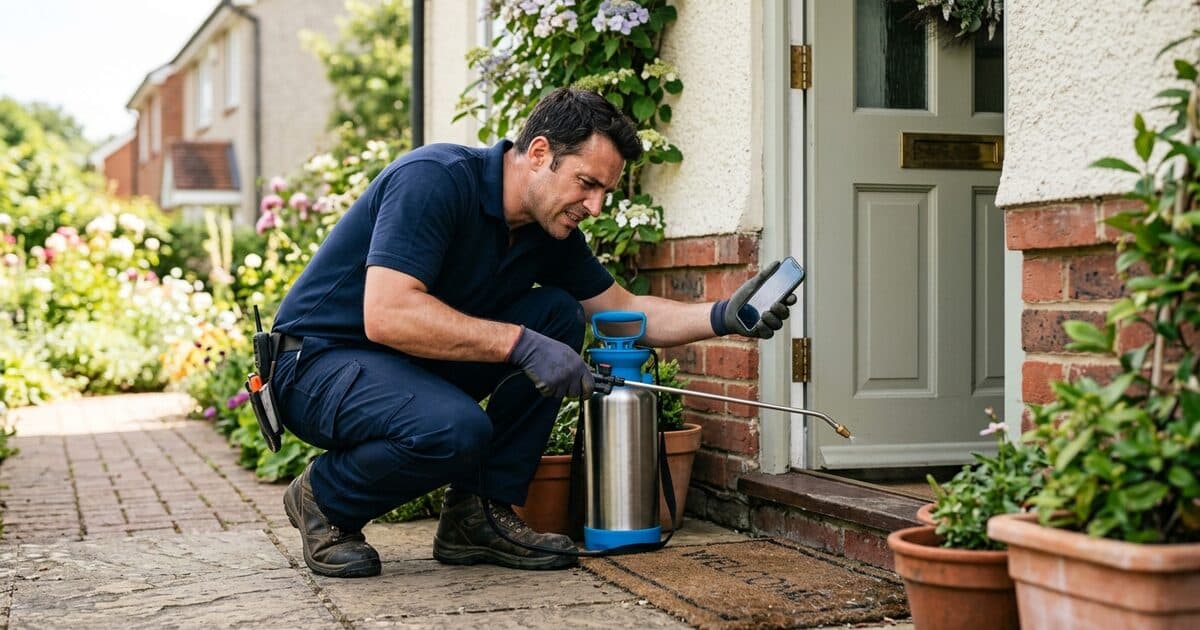
Pest control answering service for panic calls
How a pest control answering service turns wasp-nest panic calls into booked jobs while you're driving between sites, for cents per answered call.
Answering Service
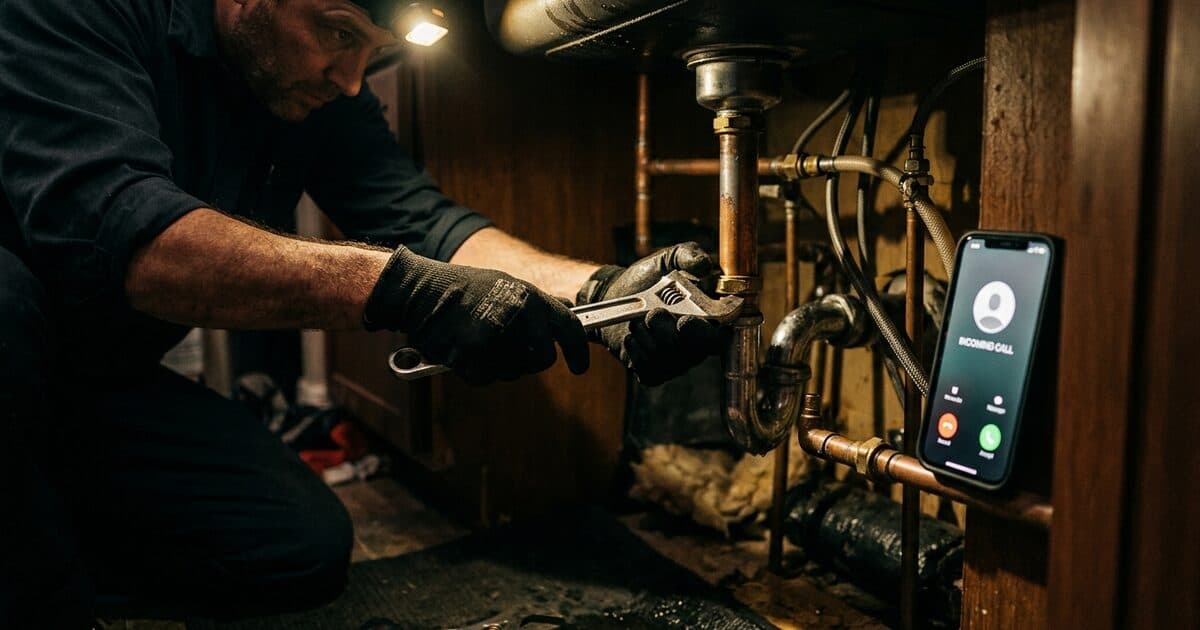
Plumbing answering service for emergency calls
How a plumbing answering service handles the 11pm burst pipe: real triage, booked jobs, and cents per answered call instead of a $250 monthly minimum.
Answering Service
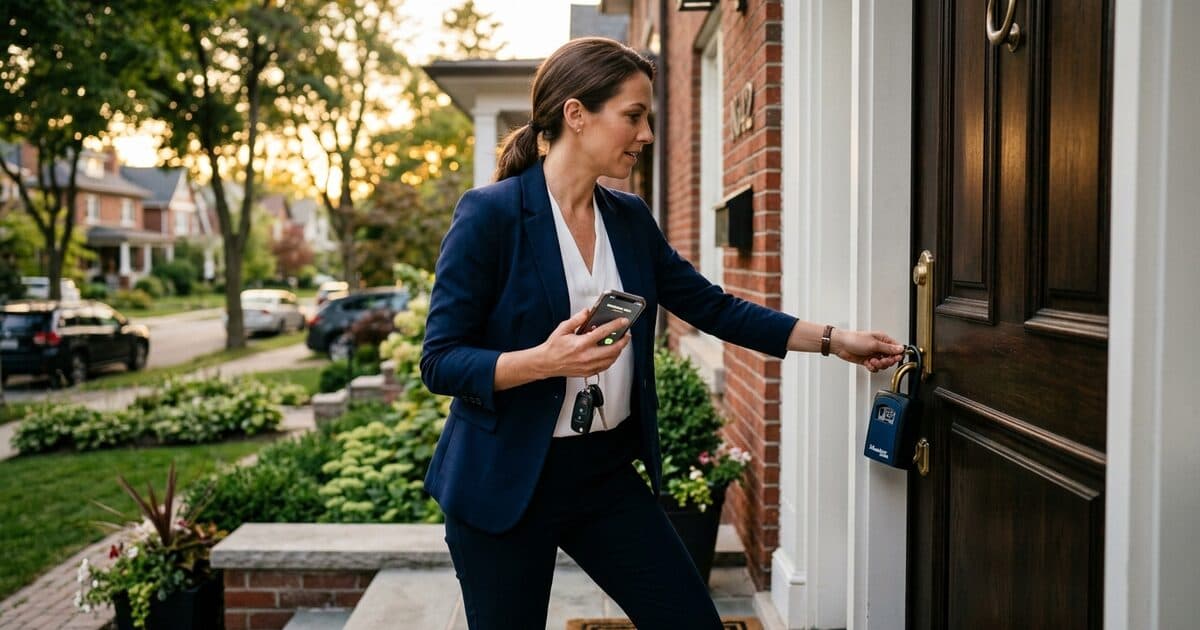
Real estate answering service for agents
How a real estate answering service captures buyer calls while you are at a closing: showings booked live, seller leads logged, weekends covered.

Answering Service
Restaurant answering service for the Friday rush
How a restaurant answering service takes reservations during service: tables booked, large parties captured, hours and menu questions answered — ~6¢ a minute.
Answering Service
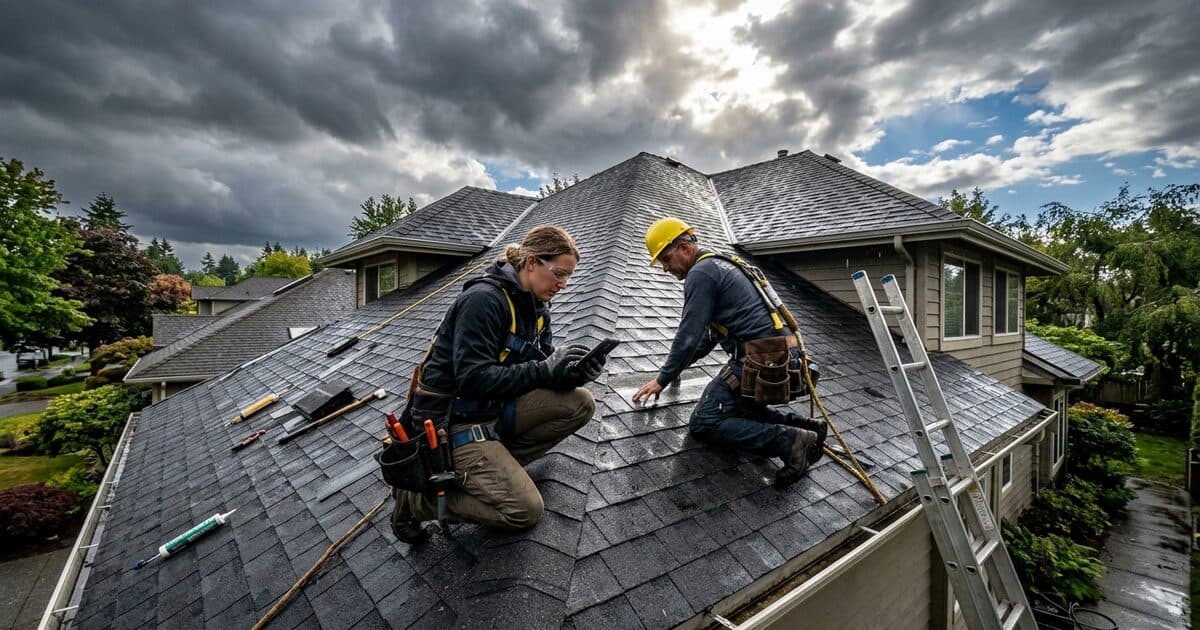
Roofing answering service for storm season
How a roofing answering service handles the 48-hour call surge after a hailstorm: leak triage, insurance-claim callers, and booked inspections for cents a call.

Answering Service
Salon answering service for booked-out chairs
How a salon answering service books appointments while your hands are in a client's hair: real calendar slots, no phone tag — about 6¢ a minute.

Answering Service
Towing answering service for roadside calls
How a towing answering service dispatches the 1am highway breakdown: mile-marker location, vehicle details, driver alerted — for about 6¢ a minute.

Answering Service
Veterinary answering service for busy clinics
How a veterinary answering service handles the worried 9pm pet owner: calm triage, booked appointments, escalation for real emergencies — about 6¢ a minute.

Answering Service
Virtual receptionist pricing in 2026
What a virtual receptionist costs in 2026: remote human services at $250 to $500 a month versus AI at cents a minute, and what you give up with each.
 Guide
GuideAnswering Service
Telephone answering services: a buyer's guide
How telephone answering services work, what separates message-taking from real call handling, what they cost, and how to choose without over-buying.
 Guide
GuideVirtual Receptionist
Virtual receptionist: what it is and what it costs
What a virtual receptionist actually does, how live, AI and hybrid services differ, what each really costs, and how to tell which one your business needs.

Answering Service
24 hour answering services: what you're buying
What round-the-clock call answering really covers, the three levels of 24/7 providers conflate, and how to tell whether you need overnight cover.

Answering Service
Answering service cost: what you'll actually pay
What answering services really cost: a receptionist at $3,000–4,000 a month, traditional plans from $250 plus overages, or pay-as-you-go AI at cents a minute.

Answering Service
Answering services for small business: worth it?
How to work out whether an answering service pays for itself, what a missed call actually costs you, and the cheaper fixes worth trying first.

Answering Service
Bilingual answering service without the premium
Why 'press 2 for Spanish' loses callers, what a bilingual answering service must actually do, and how to cover 6+ languages with no per-language surcharge.
Industries
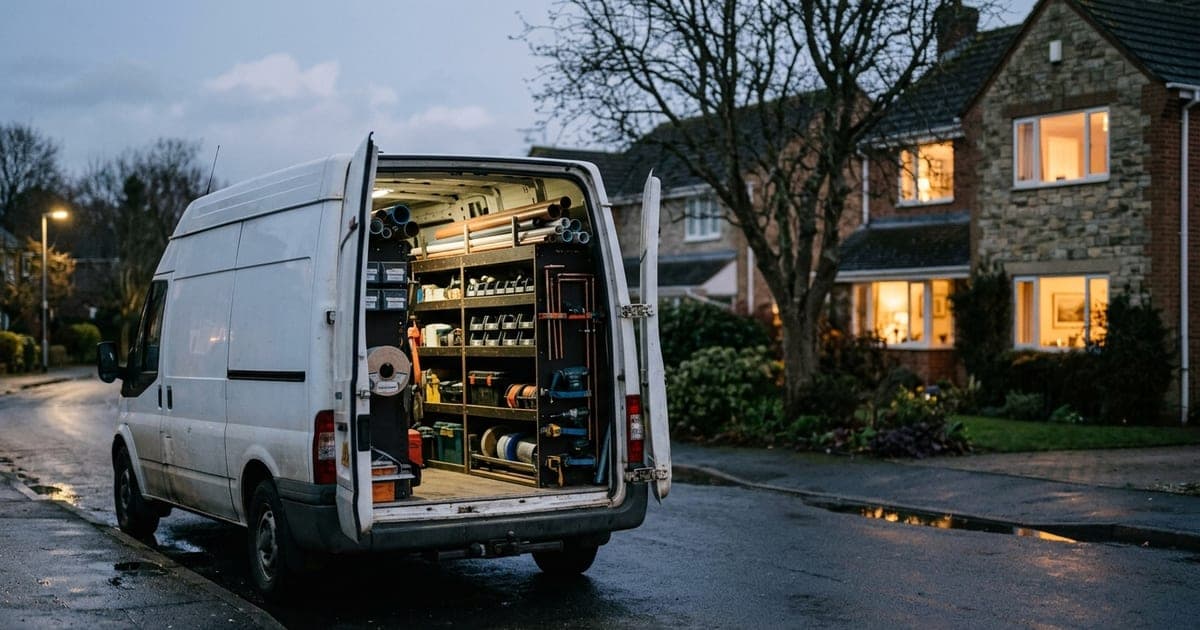
HVAC answering service: emergency call triage
How an HVAC answering service separates a no-heat emergency from a routine call, and why one missed $400 emergency job costs more than a year of the service.

Industries
Legal answering services: intake without the risk
How answering services handle law firm intake, the conflict-check and confidentiality problems nobody demos, and what to insist on before you sign.
Industries
Property management answering service
How a property management answering service triages tenant emergencies at 2am, keeps the call records that protect you, and what it should cost.

Virtual Receptionist
Virtual offices with a live receptionist
What a virtual office package really includes, where the bundled receptionist falls short, and when unbundling address from phone works out better.
 Guide
GuideIndustries
Hotel phone systems: what small properties need
A practical guide to hotel phone systems for small properties: PBX vs cloud, what PMS integration is worth, and how to cover the front desk after hours.

Answering Service
After hours answering service: what to know
What an after hours answering service costs, what happens to your 9pm callers without one, and how to choose between forwarding, a human service and AI.

Industries
AI receptionist for hotels: what it can't do
Where an AI receptionist genuinely helps a small hotel, the calls it should never handle alone, and what to check before trusting it with guests.
Industries
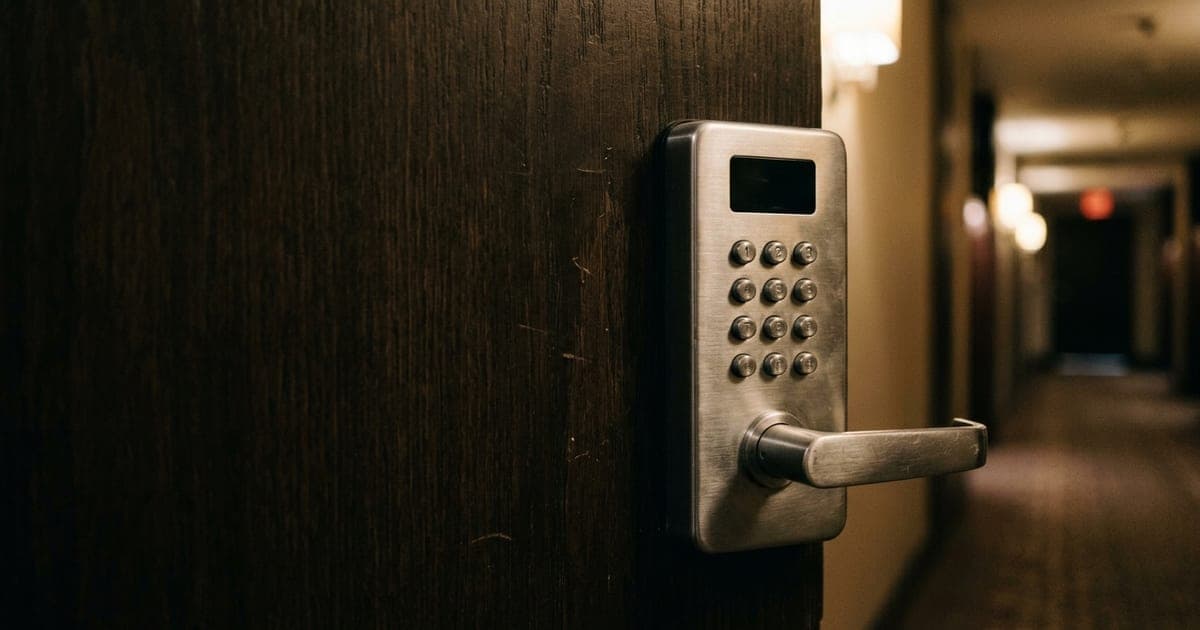
Automated hotel check-in: what actually breaks
How self and contactless check-in works at small properties, what it costs, and the failure modes to plan for before you buy the hardware.

Industries
Hotel answering services: cost and when to use
How hotel answering services work, where human agents and AI each win, and the failure modes to test for before you sign anything.

Industries
Hotel guest communication: what to send and when
A practical guide to guest messaging for small hotels: what to send before arrival, during the stay and after — and why most properties send too much.
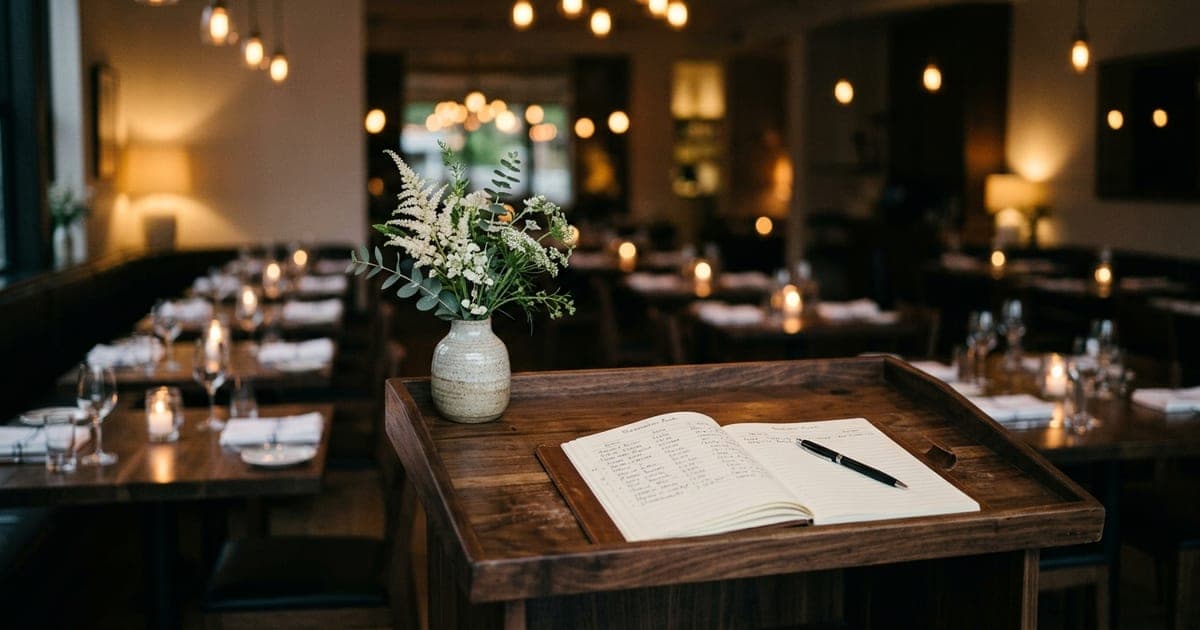
Industries
Restaurant phone systems and the dinner rush
Why restaurant phones get missed at exactly the wrong moment, what a phone system can and can't fix, and how to stop losing reservations during service.

Industries
Virtual front desk: what it actually covers
What a virtual front desk replaces at a small property, the jobs that still need a person on site, and how to tell whether it fits yours.

Answering Service
Dial Milo vs. a traditional answering service
Human answering services charge per minute on a contract; Dial Milo is AI, 24/7, and pay-as-you-go. Where each one wins, with real cost math.

Integrations
Connect Google Calendar in 60 seconds
Connect Google Calendar so Milo books appointments directly into it during live calls. Step-by-step setup, permissions explained, done in 60 seconds.

Reference
How business hours and after-hours mode work
Set when you're open. Choose what Milo does outside those hours: take voicemails, politely end calls, or behave normally.

Reference
Every Milo tool, explained
The full list of what Milo can do during a call — book appointments, capture leads, send SMS, take voicemails, search your knowledge base, transfer to a human.

AI Receptionist
What is an AI receptionist?
A plain-English explanation of what AI receptionists do, how they sound on the phone, and where they fit (or don't) in a small business.